How to use
You rename your country, leader and parties in the Politics panel, and your subjects and your faction through diplomacy. States, cities and characters have their own editor. Each section says whether it needs CAPIE.
Your leader
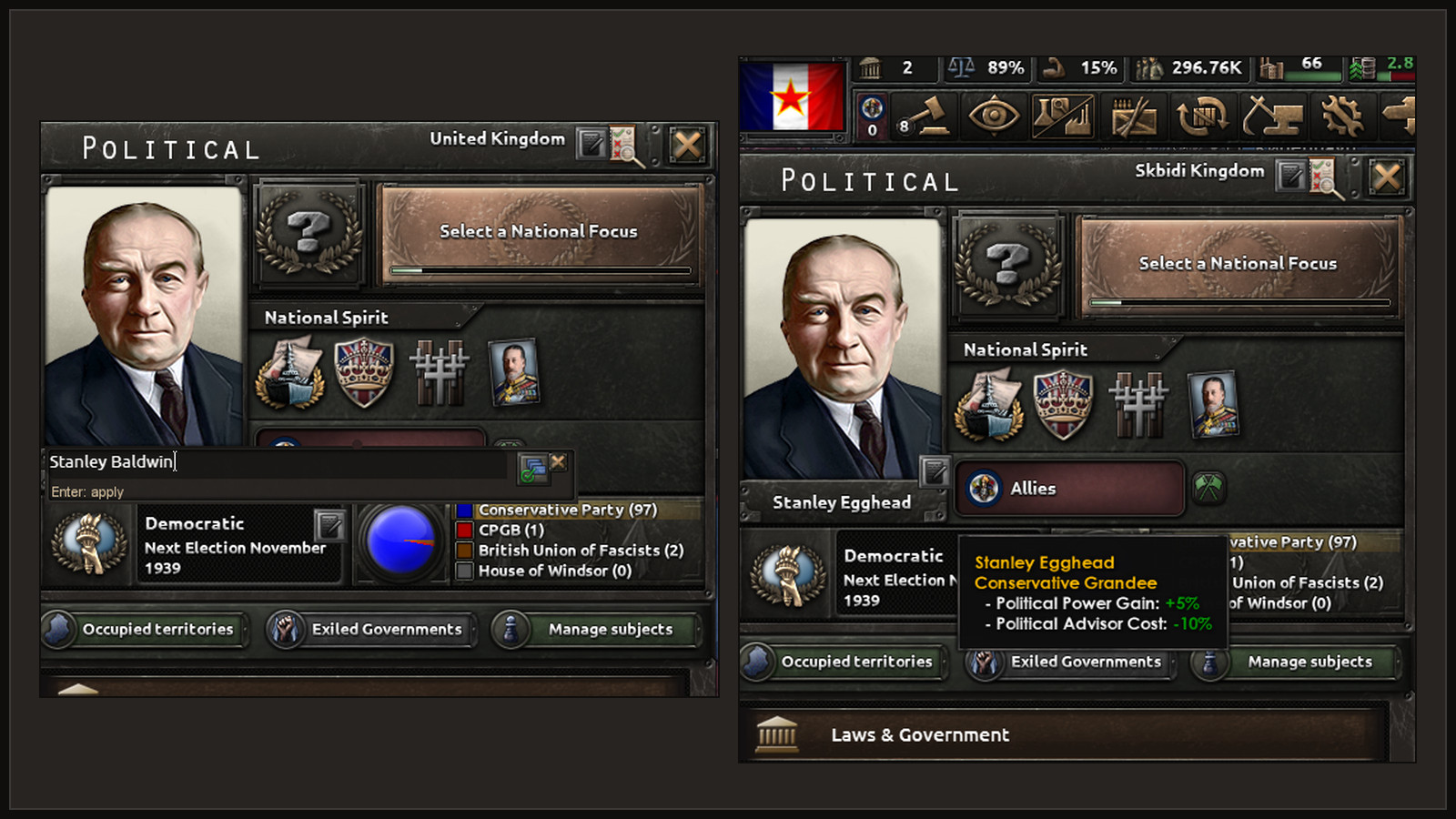
- Open the Politics panel.
- Click the small pencil next to the leader's portrait. Its tooltip says "Rename leader".
- The game's own text field opens in the same place, filled in with the current name.
- Type the new name and press Enter, or click the Apply icon.
The name under the portrait changes at once. Needs CAPIE, because a script cannot read what you type into the game's text field.
Your parties
- In the Politics panel, click the pencil for parties ("Rename parties").
- The editor has one tab per party group, like the game's own tabs. The tab's tooltip shows that party's current name. Pick the group you want; it does not have to be the party in power.
- Fill in both fields, "Short name" and "Full name", and press Enter.
The new party name shows in the panel right away. Needs CAPIE. All four groups have been checked in the game.
Your country's name and adjective
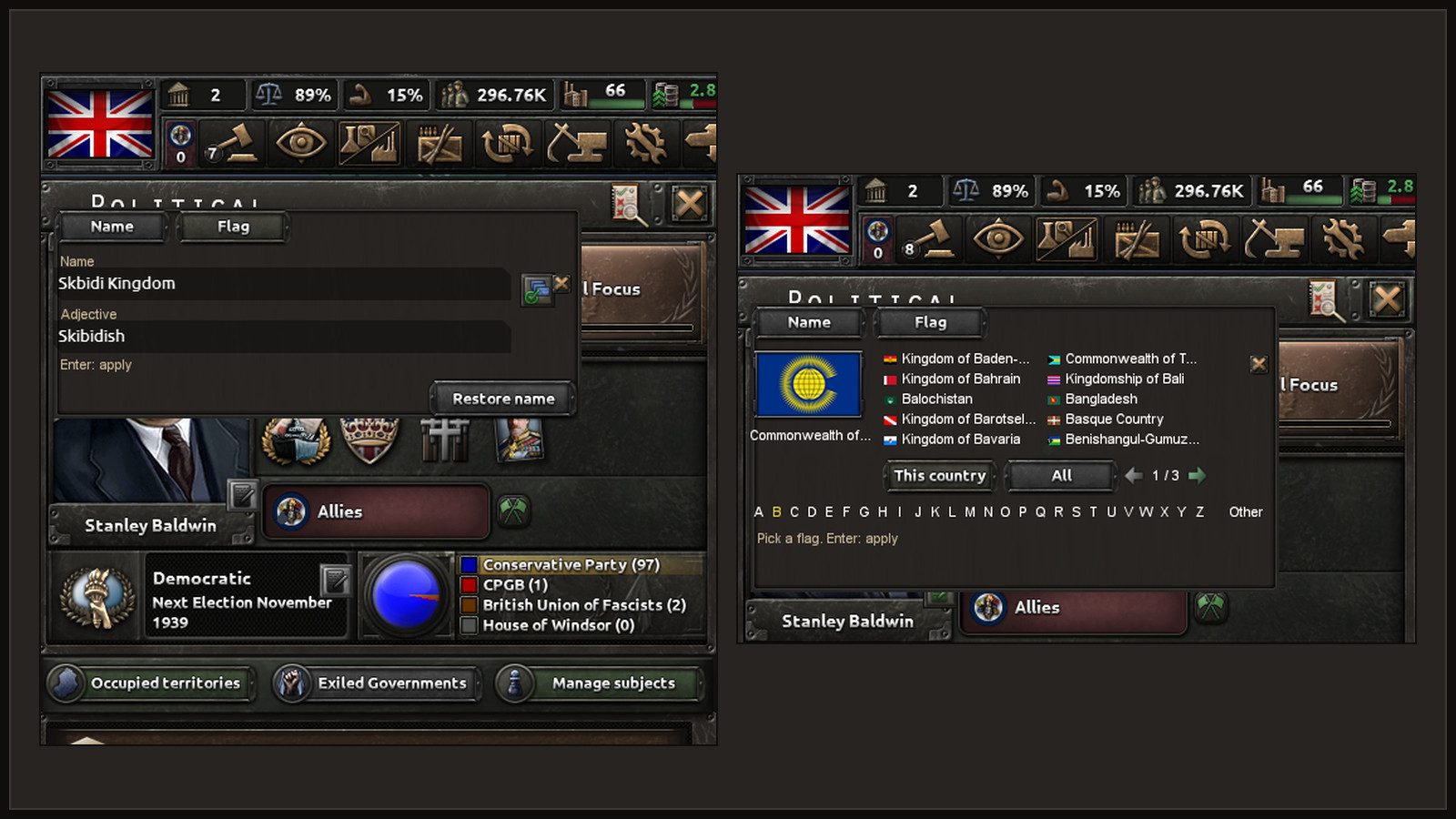
- Click the pencil on the Politics panel's title line ("Rename country").
- Fill in "Name" and "Adjective". Both are required.
- Press Enter.
The map, diplomacy, tooltips and events use the new name. Decision titles keep the text they were written with. Your flag and colour stay as they are: the name you give is kept on its own, apart from the game's cosmetic tags. If the game later gives your country a new cosmetic tag (for example through a focus), your name still shows.
In progress To go back, click "Restore name" in the same editor. The country shows the name the game would give it now. Restoring counts as a rename for the cooldown.
Needs CAPIE in every game session. Without CAPIE your country shows the game's name, and your name comes back when you start the game with CAPIE again.
Your subjects
As an overlord you can rename your subjects.
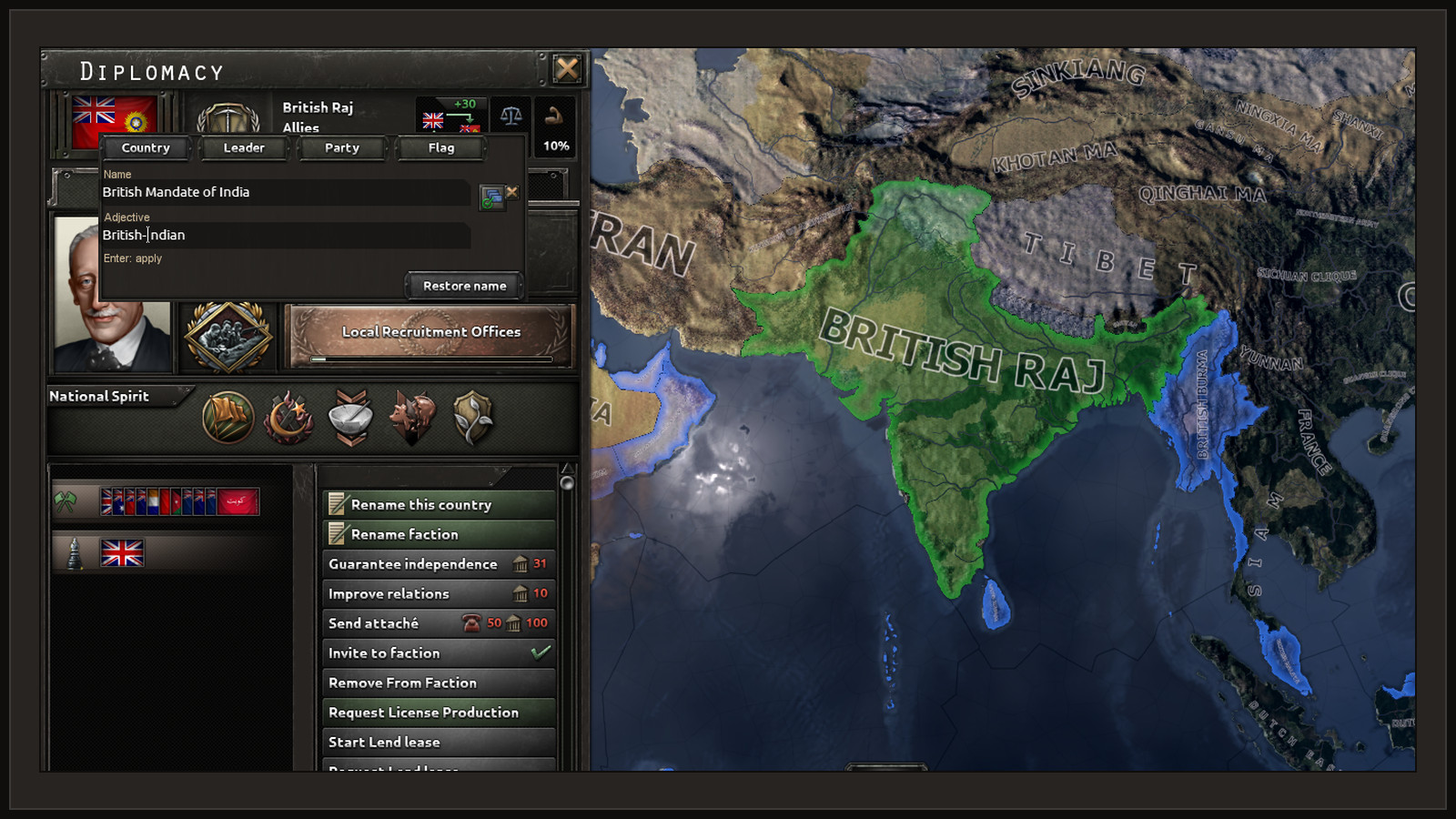
- Select the subject on the map and open its Diplomacy tab.
- Take the action "Rename this country". It costs nothing and needs no answer.
- The editor has three tabs: "Country" (name and adjective), "Leader", and "Party" (the ruling party's short and full name).
- Fill in the fields and press Enter.
The action appears only for your own subjects, unless the host chose a different game rule. Needs CAPIE.
Your faction In progress
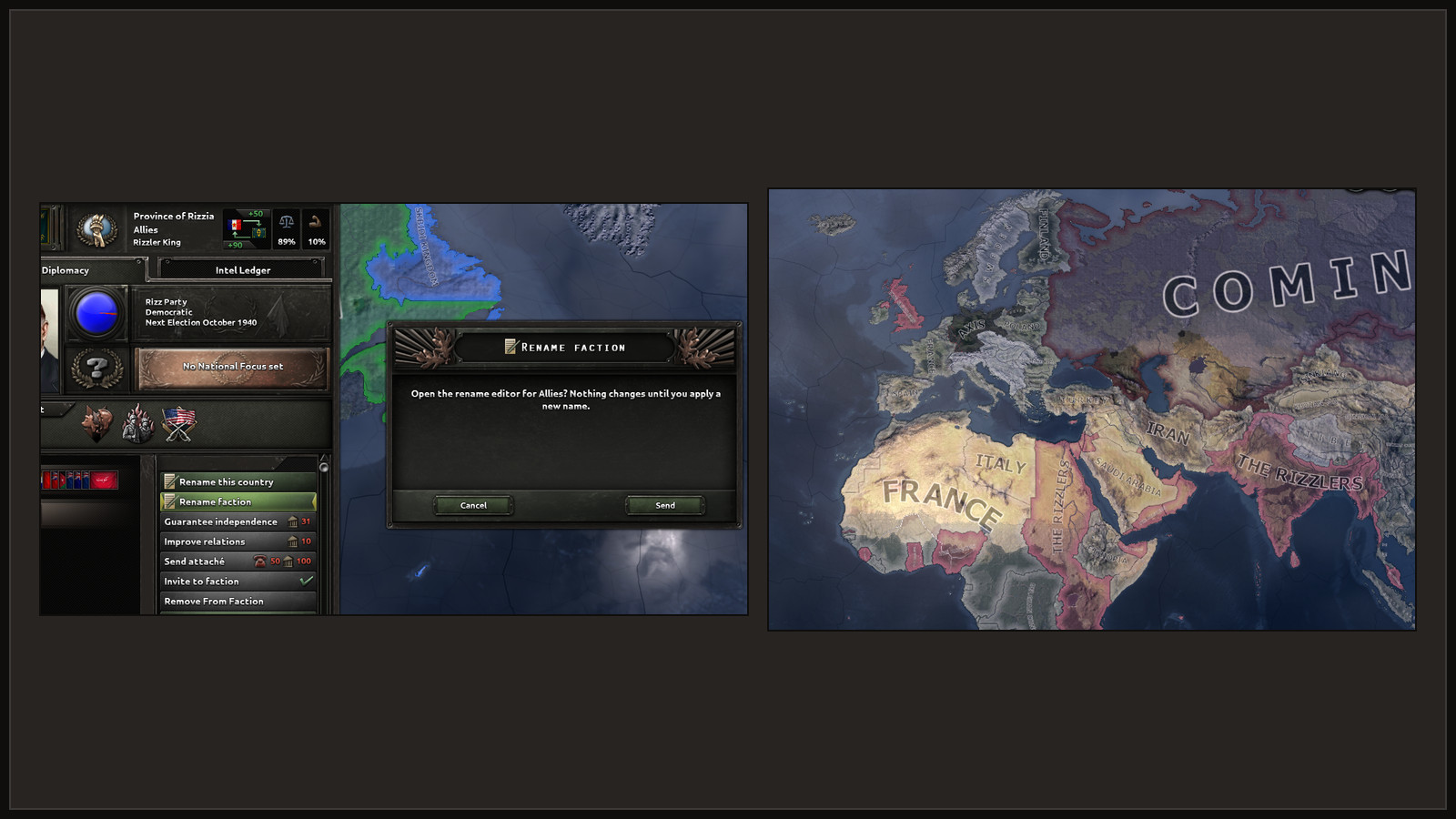
The leader of a faction can rename it: the action "Rename faction" appears on the other members of your faction in Diplomacy. This needs CAPIE 1.4, which so far exists only as a developer build and was checked once in the game. With an older CAPIE the editor opens but says that faction names need a newer CAPIE, and nothing changes.
States and cities
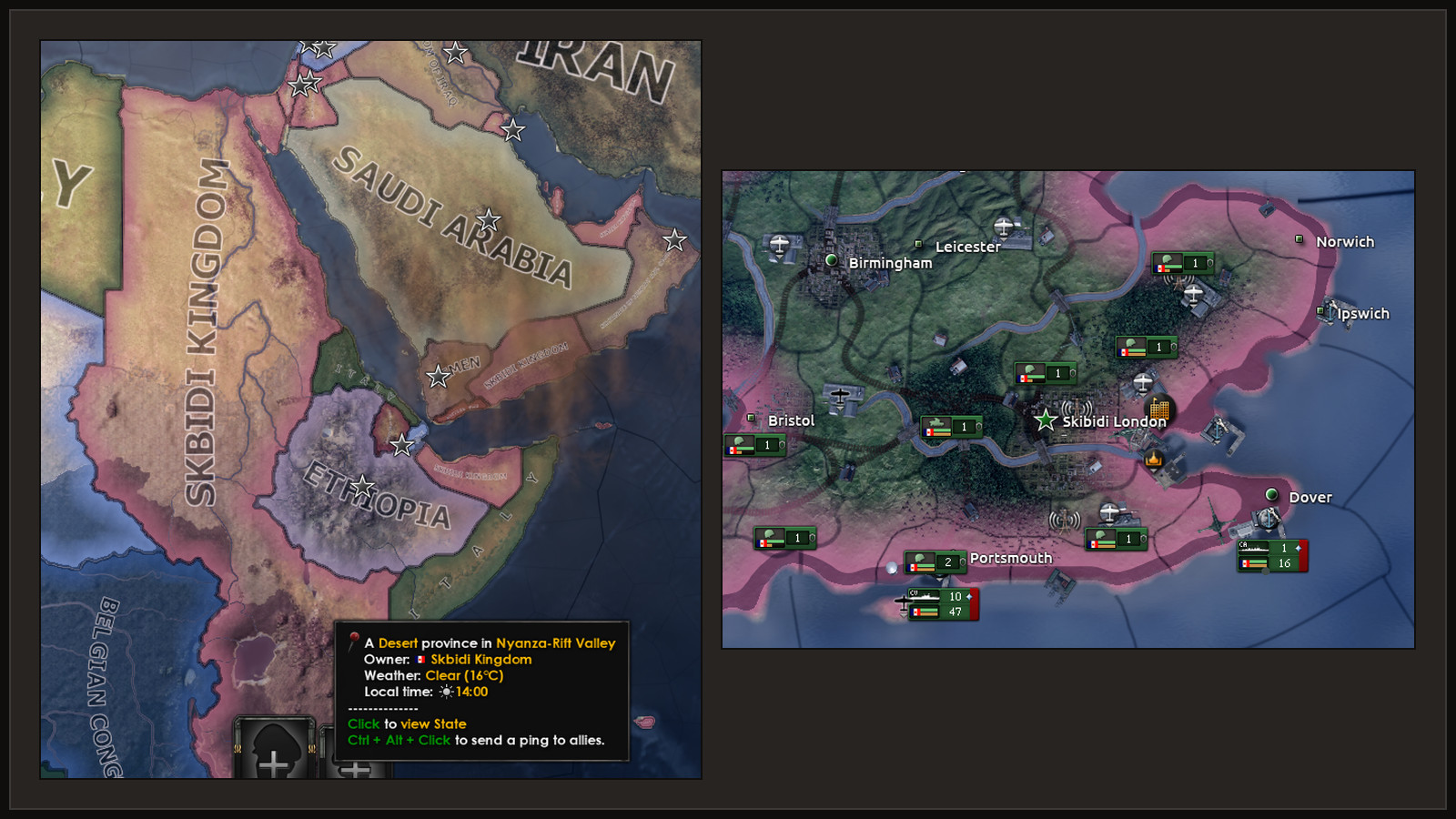
You can rename your own states and the cities (victory points) in them. No CAPIE is needed.
- Select one of your states on the map. Next to the game's state panel a small "Rename" panel appears with "Rename state", "Cities" and "Reset".
- "Cities" lists the victory points of that state; pick one and rename it. The list shows "Original (now New name)" for a city you renamed.
- The same lists are in the name editor, on the "States" and "Cities" tabs.
Generals, admirals and advisers
Open the decisions, find the "Rename Anything" category, and take the decision "Rename characters". It opens the name editor on the "Characters" tab, where you pick a character from the list and type a new name. States and cities are in the same editor. No CAPIE is needed.
With CAPIE loaded, the name editor uses the game's own text field. Without CAPIE it has an
on-screen keyboard: letters, Shift + letter for capitals, digits, - and .;
Backspace deletes and Enter applies. Polish letters and ' are on buttons.
Game hotkeys stay active while you type there.
Limits and checks
- At most 32 characters per name. Longer input is rejected with a red line under the field, and nothing is changed. Nothing is cut short.
- Letters, digits, space,
-,.,'and the Polish letters ą ć ę ł ń ó ś ź ż (and capitals). Other letters, such as é, are rejected with a message. - An empty field is rejected.
- Renames have a 5-day cooldown per object. While it runs, the pencil is greyed out and its tooltip adds a red line such as "Next rename possible in 3 days (last change: 4 January 1936)." For states and cities the editor says "You can rename one state every 5 days" (or city).
- Who may rename what depends on the game rules. By default you rename your own country and your subjects.
Where the names live
Every name is stored in your save, like any other change in the campaign. It survives saving, loading and restarting the game.